
Discovering that your OPay account has been hacked can be frightening. Whether you’ve noticed unauthorized transfers, lost access to your account, or received login alerts you don’t recognize, acting quickly can significantly improve your chances of recovering your account and protecting your money.
This guide explains exactly what to do if your OPay account has been compromised, how to contact OPay, and the steps you should take to prevent future attacks.
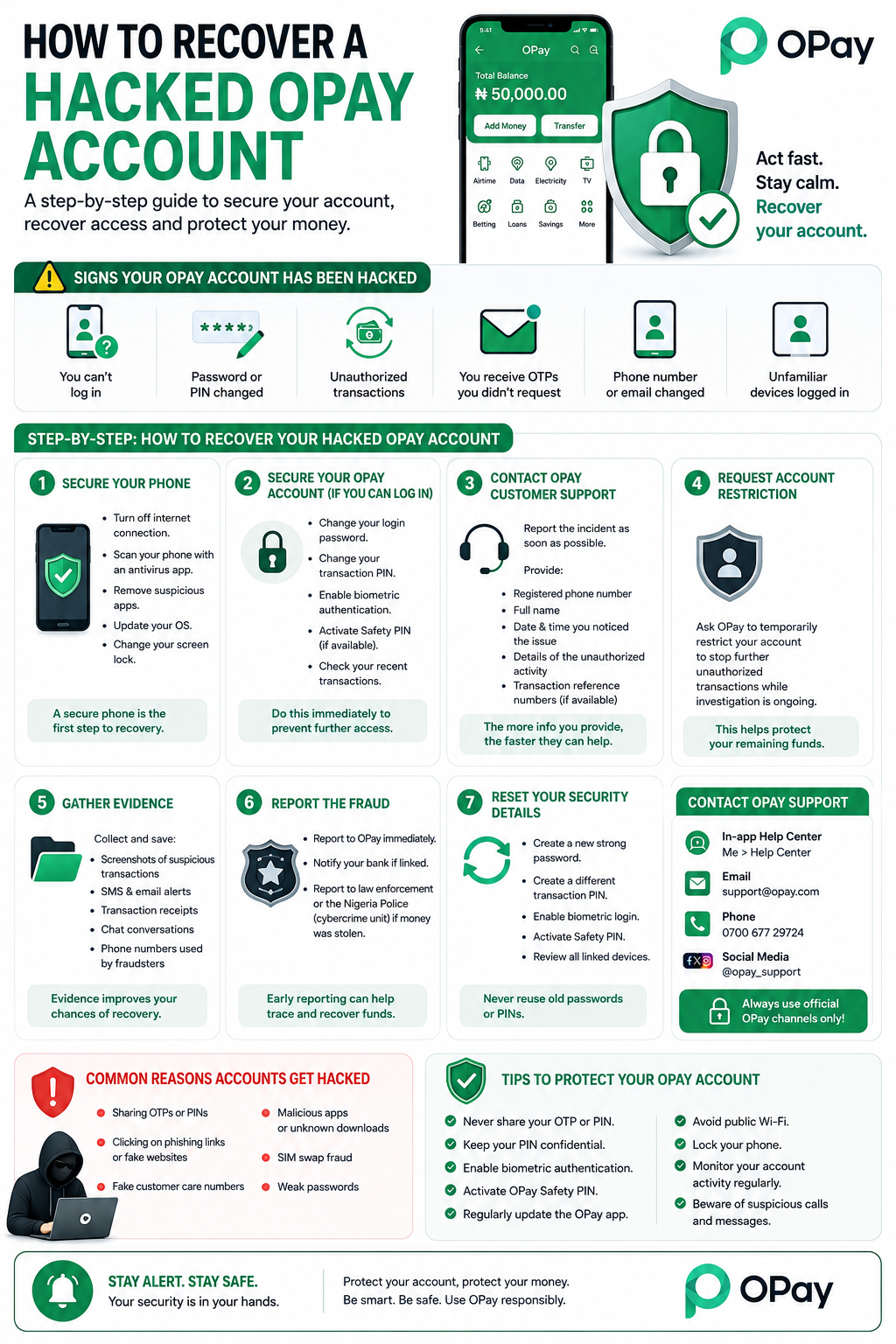
Signs Your OPay Account Has Been Hacked
You may have been hacked if you notice any of the following:
1. You can no longer log in to your account.
2. Your password or transaction PIN has been changed without your knowledge.
3. Money has been transferred without your authorization.
4. You receive OTPs or login notifications you didn’t request.
5. Your registered phone number or email has been changed.
6. You notice unfamiliar devices logged into your account.
If you experience any of these signs, take immediate action.
Step 1: Secure Your Phone
Before trying to recover your OPay account, ensure your device itself hasn’t been compromised.
Turn off your internet connection if you suspect malware.
Scan your phone using a trusted antivirus app.
Remove suspicious apps.
Update your operating system.
Change your phone’s screen lock if someone else may know it.
Step 2: Freeze or Secure Your OPay Account
If you still have access to your account:
Log in immediately.
Change your login password.
Change your transaction PIN.
Enable biometric authentication.
Activate the OPay Safety PIN if available.
Review your recent transaction history.
If you can no longer log in, proceed to the next step immediately.
Step 3: Contact OPay Customer Support
Report the incident as soon as possible.
Provide:
Your registered phone number.
Full name.
Date and time you noticed the issue.
Description of the unauthorized activity.
Transaction reference numbers (if available).
The more information you provide, the faster OPay can investigate your case.
Step 4: Request an Account Restriction
If unauthorized transactions are ongoing, ask OPay to temporarily restrict your account while the investigation is underway.
This can help prevent additional financial losses.
Step 5: Gather Evidence
Prepare the following:
Screenshots of suspicious transactions.
SMS alerts.
Email notifications.
Transaction receipts.
Chat conversations with suspected scammers.
Phone numbers used by fraudsters.
These records may help OPay verify your complaint.
Step 6: Report the Fraud
If money has already been stolen:
Report the incident to OPay immediately.
Notify your linked bank if applicable.
Report the case to the appropriate Nigerian law enforcement or cybercrime authorities.
Early reporting increases the chances of tracing fraudulent transactions.
Step 7: Reset Your Security Details
Once access is restored:
Create a new strong password.
Create a different transaction PIN.
Enable biometric login.
Activate the Safety PIN.
Review all linked devices.
Avoid reusing old passwords.
Common Reasons OPay Accounts Get Hacked
Understanding how hackers operate can help you avoid becoming a victim again.
Sharing OTPs
Fraudsters often pretend to be customer support and ask for your One-Time Password.
Remember:
OPay will never ask for your OTP or transaction PIN.
Phishing Websites
Fake websites mimic OPay’s login page to steal usernames and passwords.
Always log in through the official OPay app.
Fake Customer Care Numbers
Scammers advertise fake customer care numbers online.
Always verify contact information through OPay’s official channels.
Malicious Apps
Downloading apps outside official app stores may expose your personal information.
Install applications only from trusted sources.
SIM Swap Fraud
Criminals may hijack your phone number to receive your OTPs.
Contact your mobile network immediately if your SIM suddenly stops working.
How to Prevent Your OPay Account from Being Hacked
Follow these best practices:
1.Never share your OTP.
2. Keep your transaction PIN confidential.
3. Enable biometric authentication.
4. Activate the OPay Safety PIN.
5. Regularly update your OPay app.
6. Avoid public Wi-Fi for financial transactions.
7. Lock your phone with a secure password.
8. Review your transaction history frequently.
9. Be cautious of unsolicited calls or messages.
Frequently Asked Questions
Can I recover a hacked OPay account?
Yes. Many users successfully recover their accounts by reporting the incident promptly and completing OPay’s identity verification process.
Can stolen money be recovered?
Recovery depends on several factors, including how quickly the fraud is reported and the stage of the transaction. Reporting immediately improves the chances of a successful resolution.
How long does OPay account recovery take?
Recovery times vary depending on the complexity of the investigation and the verification required.
Can hackers bypass my transaction PIN?
Most successful attacks involve social engineering, phishing, SIM swaps, or stolen credentials rather than breaking the PIN itself.
Final Thoughts
A hacked OPay account can be stressful, but acting quickly can make a significant difference. The key is to secure your device, report the incident immediately, preserve evidence, and strengthen your account security after recovery.
Most importantly, never share your OTP, password, or transaction PIN with anyone—even if they claim to represent OPay. Staying vigilant and using security features such as biometric authentication and the Safety PIN can greatly reduce your risk of future attacks.